
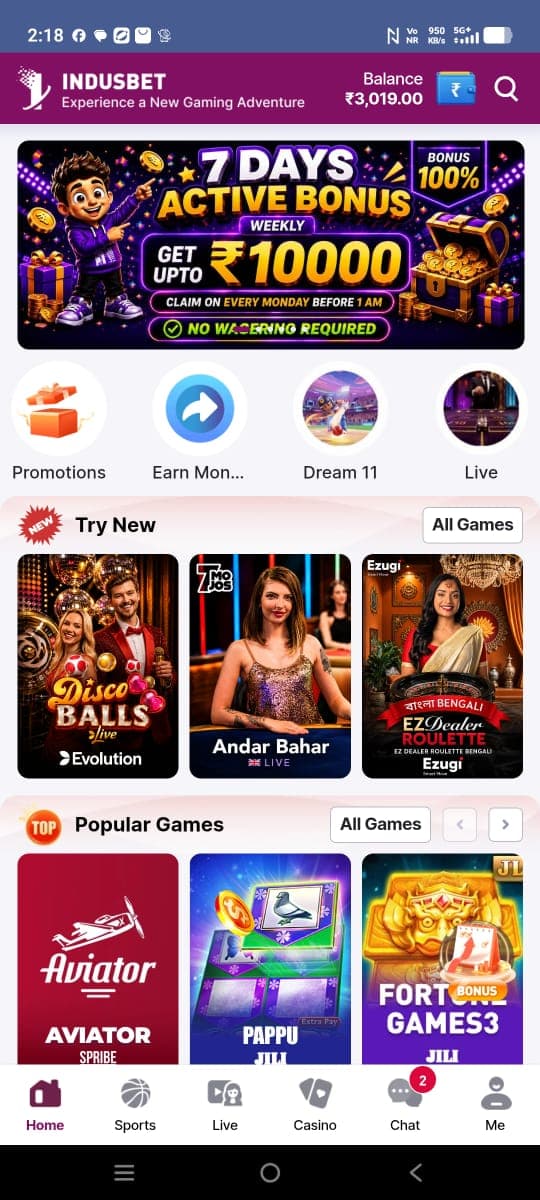
Home feed and shortcuts
The home capture groups a promotional banner, circular shortcuts, and named game sections beneath a branded top bar. The visible composition is a snapshot; it does not verify that links or offers remain available.
Open screenshot gallery ↗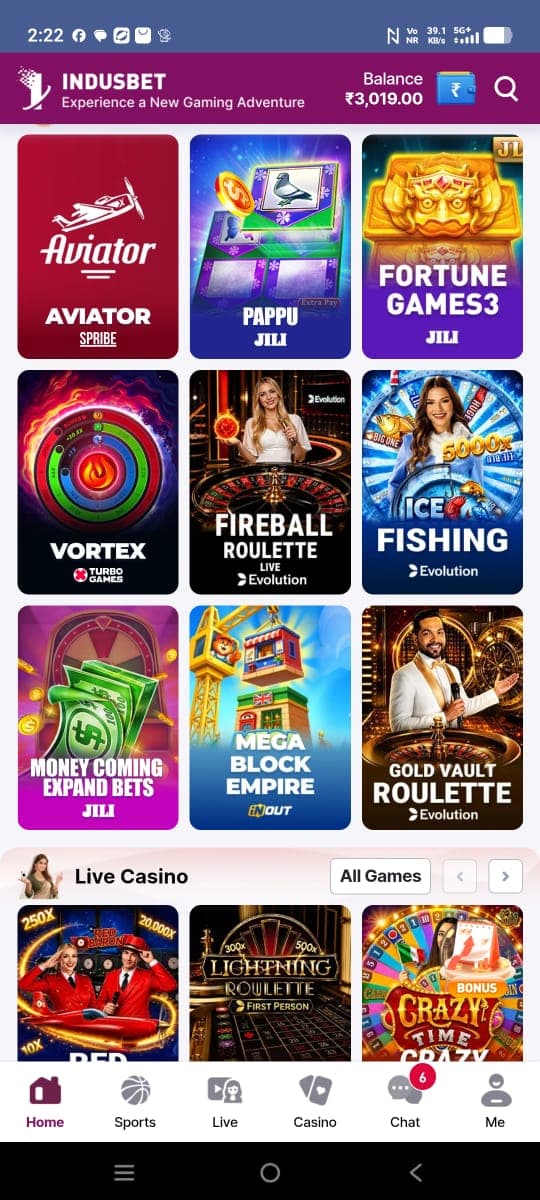
Browse game categories
The supplied catalog images show image-led tiles grouped under headings. A separate casino screen includes category labels and a three-column grid. Titles and artwork are described only where they can be read in the reference captures.
Browse categories ↗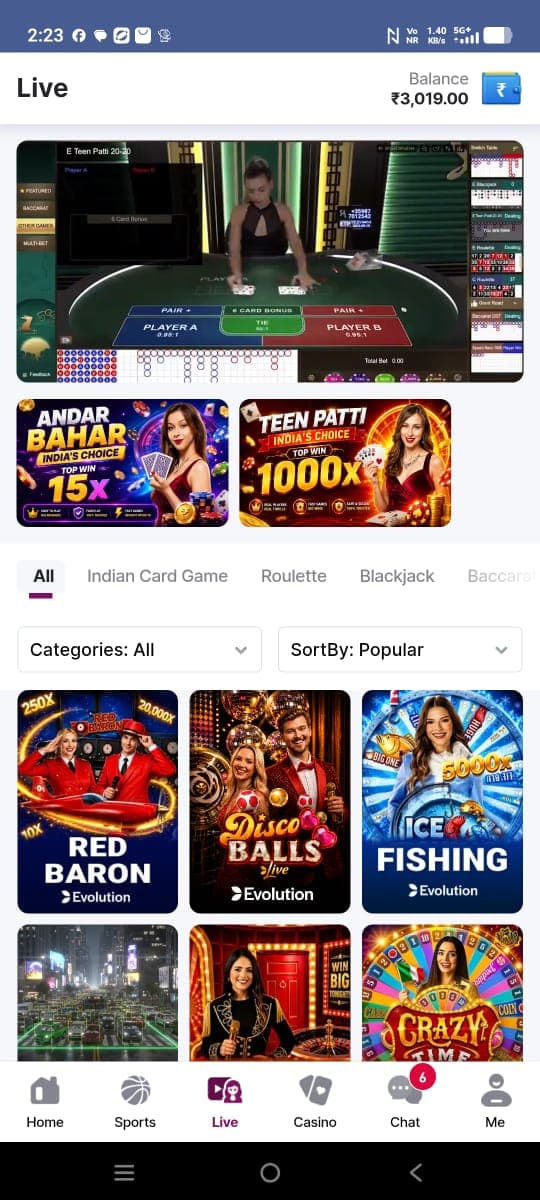
Live and casino screens
The live capture places a table interface above promotional cards and category controls. The casino capture shows a horizontal category row and illustrated tiles. Images help explain screen organization, but cannot confirm current functionality.
Open screenshot gallery ↗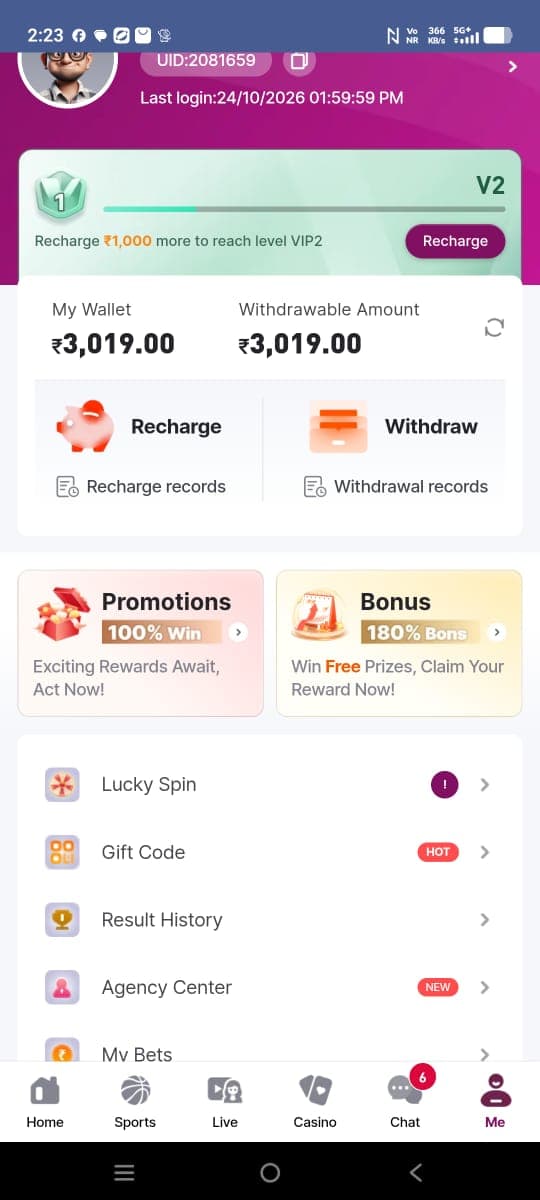
Profile and chat areas
The profile image displays an account identifier, last-login label, level panel, wallet summary, and account links. The chat capture lists several conversations. Treat these as visible labels and protect personal details when sharing screenshots.
Open screenshot gallery ↗